01 / The question
What sits behind
that percentage?
I started StatBatt when a macOS update left Energiza, the battery app I was using, unable to do the job I needed. Building my own was a practical response to a gap in my everyday setup.
A percentage is useful, but it leaves a lot unanswered. Is the Mac drawing from its battery or an external supply? What has changed over the last few hours? Which readings are measurements, which are estimates, and which simply aren’t available?
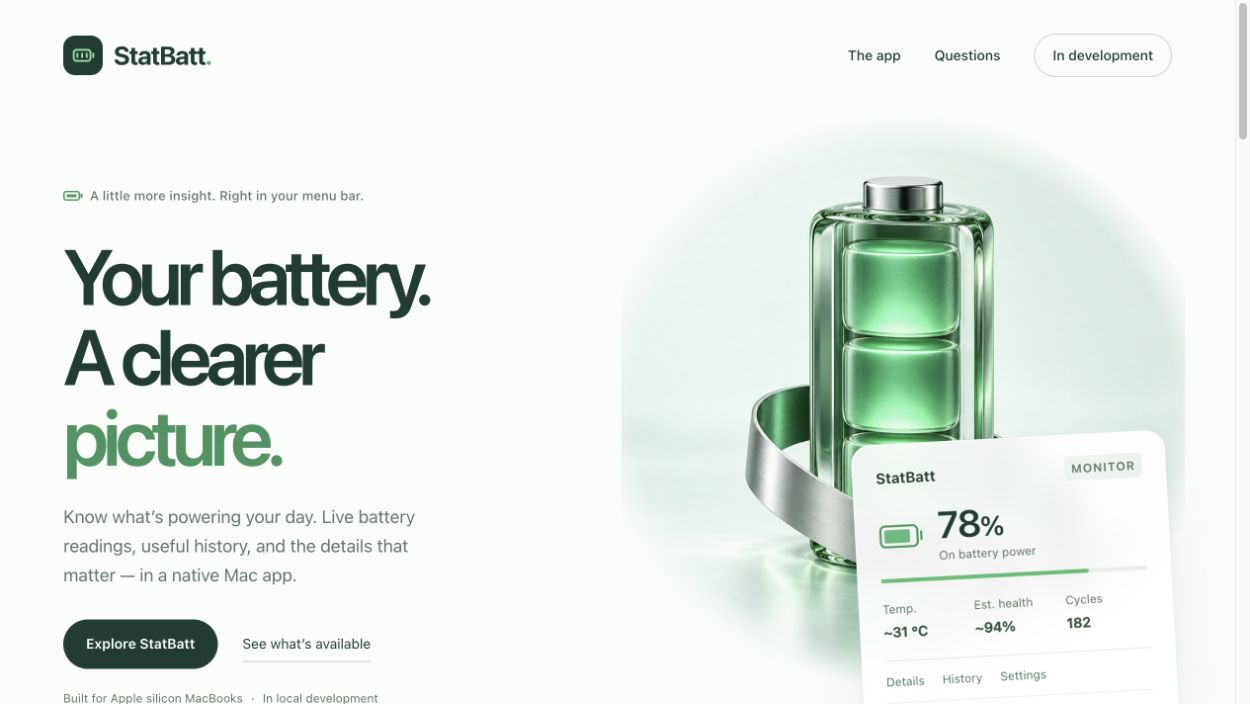
StatBatt brings those questions into a native menu bar app. The goal is a quiet place to check the present, inspect a little history, and make an informed choice without turning battery care into another dashboard to manage.
02 / The decisions
Keep the unknowns
in the picture.
Missing information stays missing. A sleeping Mac leaves a gap in the history rather than a reassuring line through a period the app never observed. Health and pack temperature are labeled as estimates when available, and advanced readings depend on the device and macOS version.
History stays in a local SQLite database, with seven-day retention and CSV export. People can pause or clear it. Notifications and launch-at-login are opt-in. Closing the detail window leaves monitoring in the menu bar; the app doesn’t need to keep asking for attention.
03 / What I built
A small surface.
Clear boundaries underneath.
The SwiftUI interface brings together Battery, Charging, History, and Settings views. macOS power-source notifications and a fallback sampler supply the readings; sleep and wake handling prevent old observations from passing as current ones.
Separate Swift modules handle telemetry, persistence, domain rules, and the native charging workflow. That separation makes it possible to test decisions with synthetic inputs while keeping hardware support tied to observed behavior on a real machine.
The local build offers deliberate 80% and 100% actions through trusted Apple Shortcuts. It records intent before dispatch and does not replay a charging request at startup. If an outcome is uncertain, the app asks for reconciliation instead of assuming success. Apple owns the resulting setting, which persists after StatBatt quits.
04 / The proof
A passing test.
A separate hardware question.
The project’s verification records cover telemetry decoding, local storage, missing readings, sleep gaps, and charging-request recovery. The local app has been built and packaged, and both charge-limit buttons were exercised through the app and checked against Apple’s Battery settings on the tested Apple silicon configuration.
Those are different kinds of evidence. Software tests can check a decision or a recovery rule; they cannot establish electrical cutoff behavior or compatibility with every Mac. Keeping that boundary explicit is part of the engineering, not just a note at the end.
05 / Why I stopped
The gap closed.
The work remains.
Monitoring, local history, export, preferences, and the native charge-limit workflow are implemented in the local candidate. Charging support is limited to the tested configuration. Custom charge bands, intentional discharge, and automatic temperature-based control remain unavailable.
The project had made substantial progress and reached a working prototype. A few days later, Energiza released an update that brought it current with macOS. My app didn’t add anything meaningfully new, so I returned to the tool that already worked for me.
I stopped StatBatt before it became a finalized product. This record preserves the implementation and the decisions behind it. There is no public app download, and further distribution work is not planned. StatBatt remains proprietary software from Orca Solutions.
 Jason Fricano